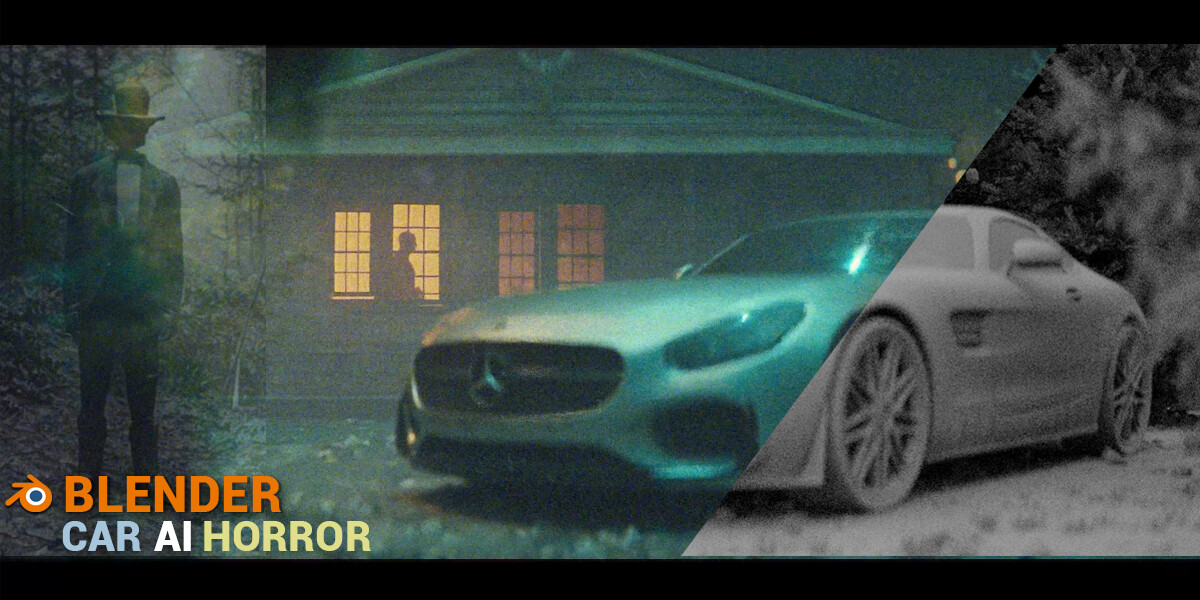
Create Cinematic Animation Using Blender And AI
Create Cinematic Animation Using Blender And AI
by lecturer Šime Bugarija
https://www.wingfox.com/c/9136_114252_30874
In this tutorial, we will create animation from the introduction video in the free program Blender step-by-step.
We will talk about how and where to find the best free cars model online. In three examples, we will solve most of the problems you meet when downloading objects online.
After these three examples, you will be able to download any model online and optimize it for easy use in a blender.
After that, we will animate the car lights, add imperfections, trees, animate the leaves, and other details. We will talk about the camera, how to animate it, add depth and field, bokeh, and other settings.
Finally, we will do the post-processing. We will work with passes in blender, effects, and color-grading. I'll show you where to find free overlays and how to achieve a cinematic look.